Gaussian Splats Pt. 3 - Fine Tuning for Detail and Scene Size
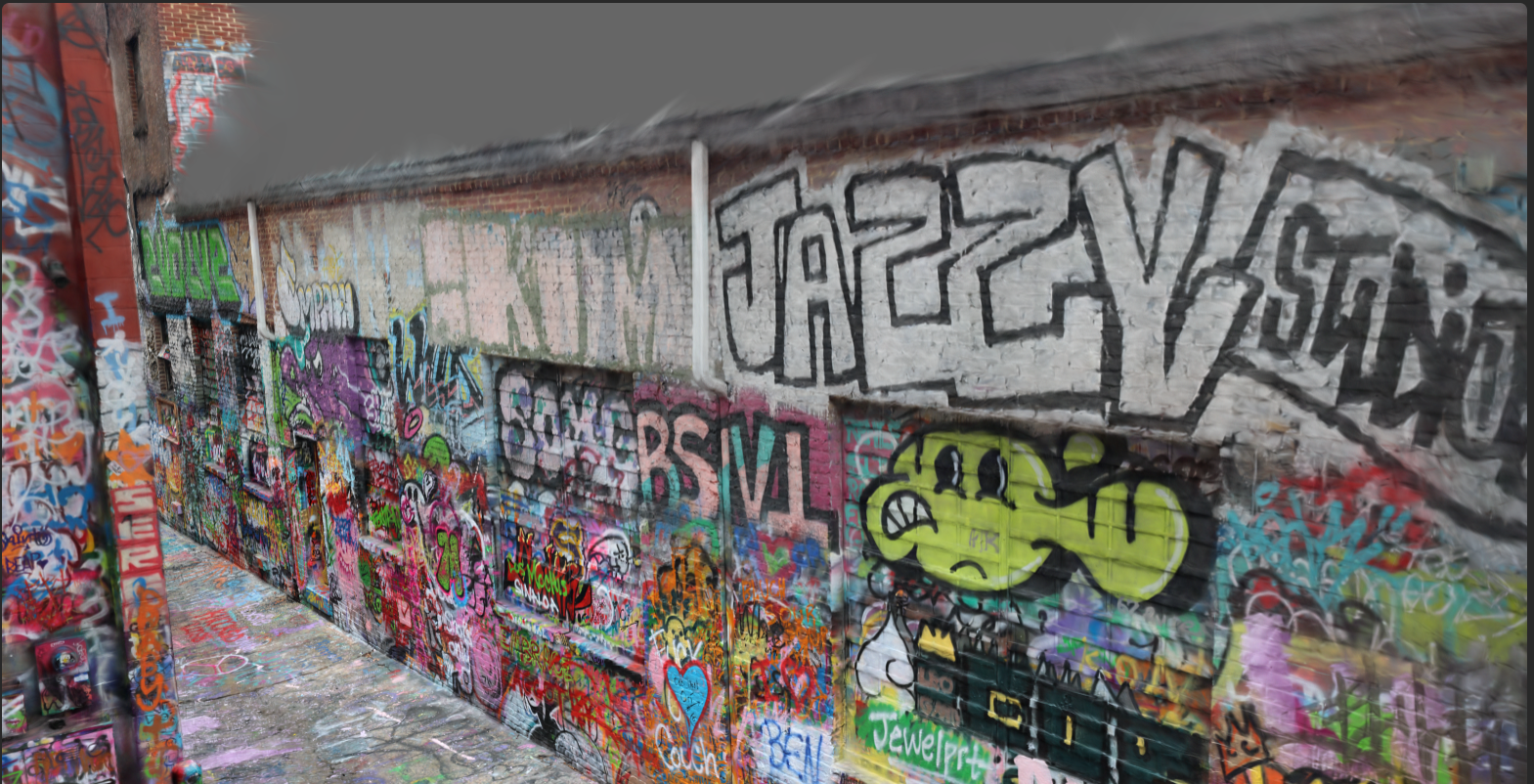
Once I had the workflow established, I began working on rendering all of the scenes that I had captured with the borrowed DSLR. I first rendered all of the data sets at default settings in Brush, just to get an idea of what that would give me. Once I got to my first semi-large scene (the alleyway in the previous post) I realized that Brush was a bit finicky with large data sets as it was beginning to choke and crash once more than 10,000 iterations were ran. The alley data set consisted of ~2,000 photos that I had taken while walking up and down the alley multiple times, holding the camera at different heights and different angles each pass. This amount probably isn't needed, but I figured that I could always use every other photo (or less) if I started to run into hardware limitations when rendering, which I did.
I ran the three large data sets up to the point where they crashed, just so I had a record of what was possible at that configuration. Brush saves a snapshot every x amount of iterations, so it actually left me with a usable file at 10k (though not totally rendered).
The way rendering works is that the software trains in steps (an iteration is one training step) where the algorithm renders the scene, compares it to the target images in your data set, and adjusts the Gaussian parameters to improve the match. It's kind of like sculpting, where the sculptor refines the shape more and more as they work. Early iterations make large adjustments to get the rough structure right, while later iterations fine-tune details and subtly shift things around to match up as closely as possible. There is also a refinement threshold where you can specify how many iterations you would like to be ran before the scene is adjusted and the software attempts to line things up, with less iterations between refinement passes resulting in finer detail.
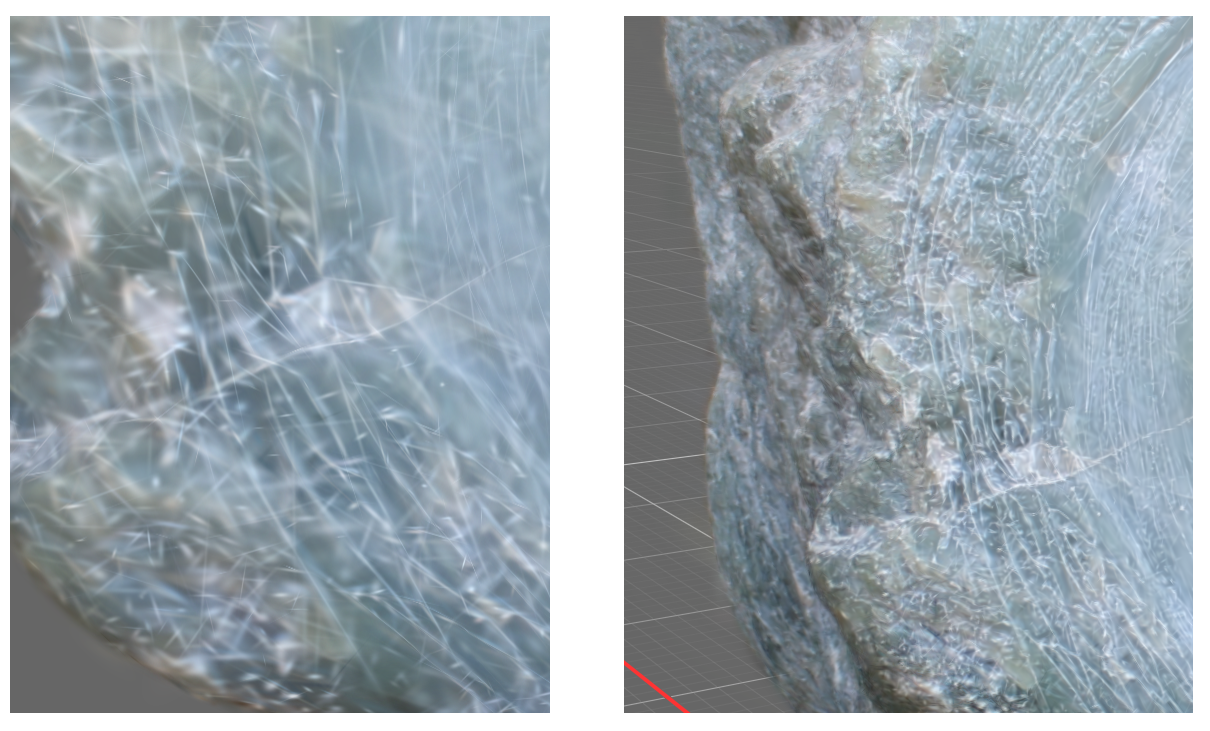
The default Brush settings target 30k iterations with gaussians being added up to 15k iterations, and then fine tuned until the iteration cap is reached. One of the main ways to add detail is to simply raise the iteration and gaussian addition cap, as this adds more points to the scene and spends a longer time adjusting them to match the images. The reason that you would even cap this though is that every pass has diminishing returns and takes more memory to run, meaning you hit a limit where it's not really justifiable to keep going (or you crash when you run out of memory).
In order to actually find the limit of what my hardware can handle and how changing the perimeters (and by how much) affected the final output, opted to re-render all of the scenes I had created thus far. I started with the smaller renders of single objects, and slowly worked my way up in terms of scene size in order to get an understanding of what settings were needed for each type of scene and how much fine detail I could squeeze out at each size. The smaller scenes were easy, and I could raise the limits pretty much as high as I wanted to. The big scenes though were difficult to dial in.
Ideally I would be able to pump in the highest resolution photos that I had in order to get the highest resolution output, but I quickly learned that actually getting the best results required a bit of finesse. Obviously a larger scene would take up more memory, and larger source images would only exacerbate that, so I had to find the point where image resolution started to give prohibitive diminishing returns in order to get the best results on the hardware that I have available. I found that I had to resize the images before being processed by Brush, and not use the built in resize option as the resize process still keeps the original sized image in memory during processing.
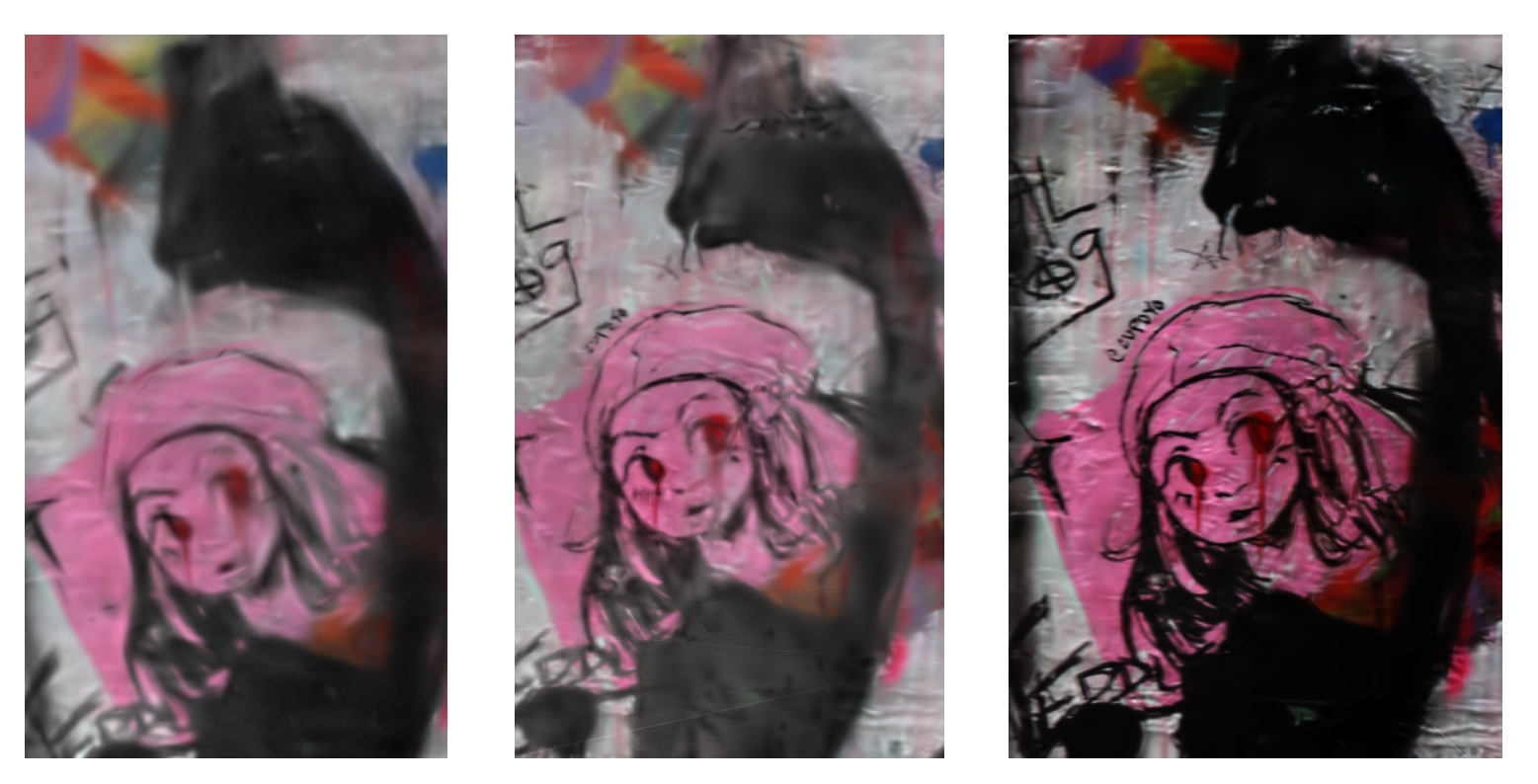
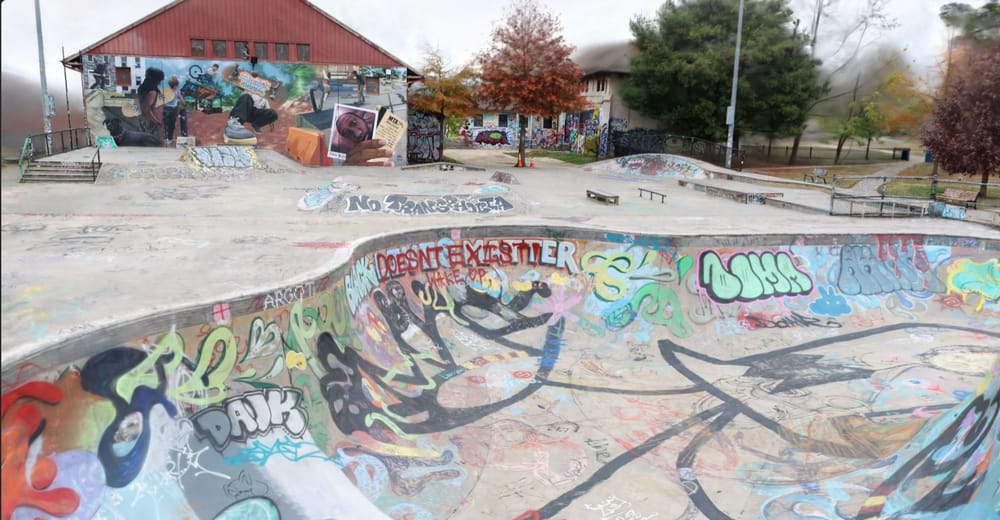
In the image above, the left render was made using full resolution 24MP images but could only be ran up to 10k iterations before I had it crash. The middle render was ran at 75% resolution up to 20k until again, it crashed. The right render was ran on 50% resolution and completed the full 50k iterations I had set. Half resolution in this case is still sizable though, at 3025x1994. It's possible that I could push this input further and raise the iteration cap even higher, but that will likely come after I work out the kinks with my current largest data set which is a capture of the Roosevelt Park skate park in Baltimore. The scene as I have it so far is below.
I'm also kicking around the idea of getting a drone during a Black Friday sale and go even larger, as right now I've only shot with the DSLR at ground level and could get much better and smoother coverage that way.
As a slight tangent, the crashing issues I was facing seem to be relatively common with Brush. Poking my head into the small Discord server of the creator, I read that it is currently being actively worked on by one or two contributors (with a total of twelve over the lifespan of the project) and therefore has only a small fraction of the resources behind it as the commercial and more common programs do. That being said, I think that it is incredibly impressive that they've seem to have done what no one else could or be bothered to do, and decoupled the process from CUDA and Nvida. I genuinely do think that things like this are important, not just for people who do not have the hardware but also for general openness. The small community is also a plus in other ways, as I was able to report a small bug and have someone resolve it relatively quickly. I was able to compile my own build after a fix was made in a test branch and report back that the fix did accomplish what it was intended to do. The fix was merged, and now is a part of the main program.
 Jake Marino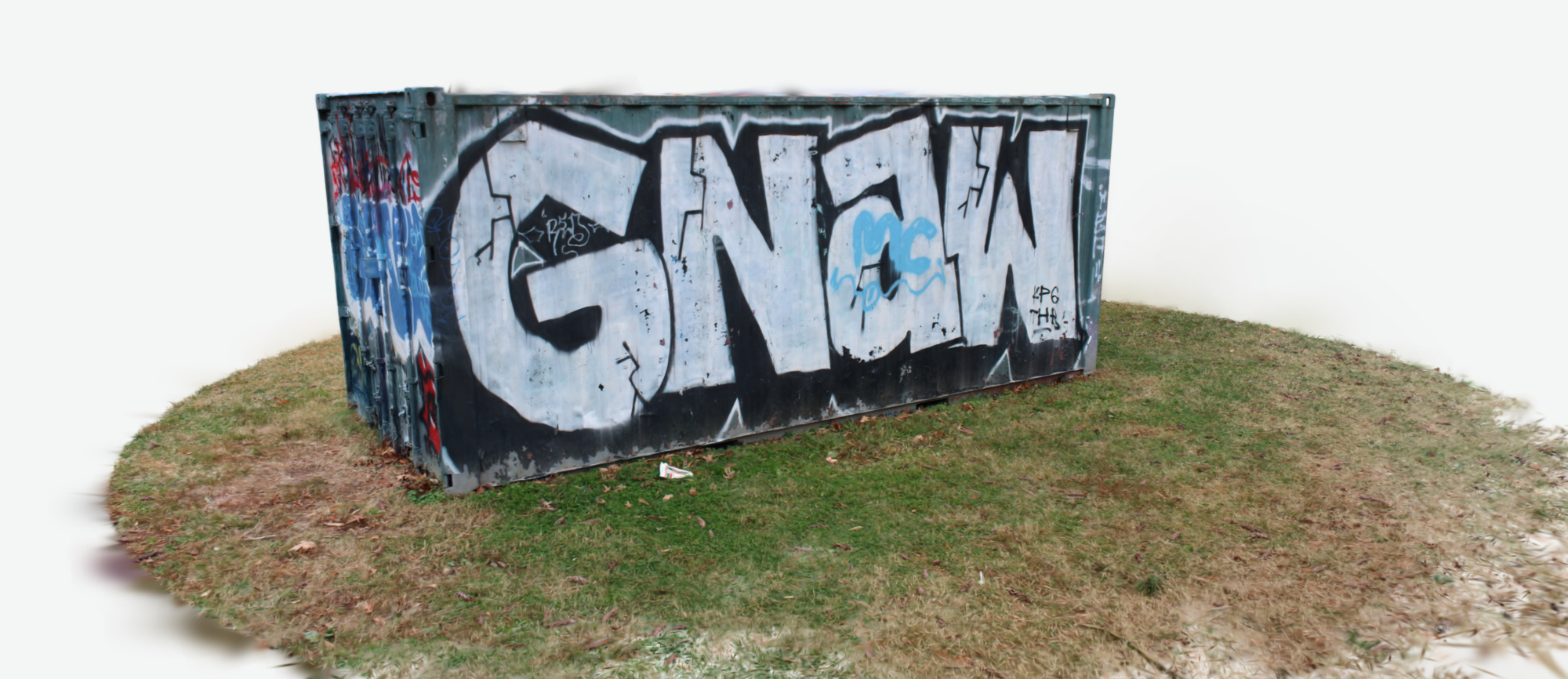
 Jake Marino