Gaussian Splats Pt. 1 - Intro
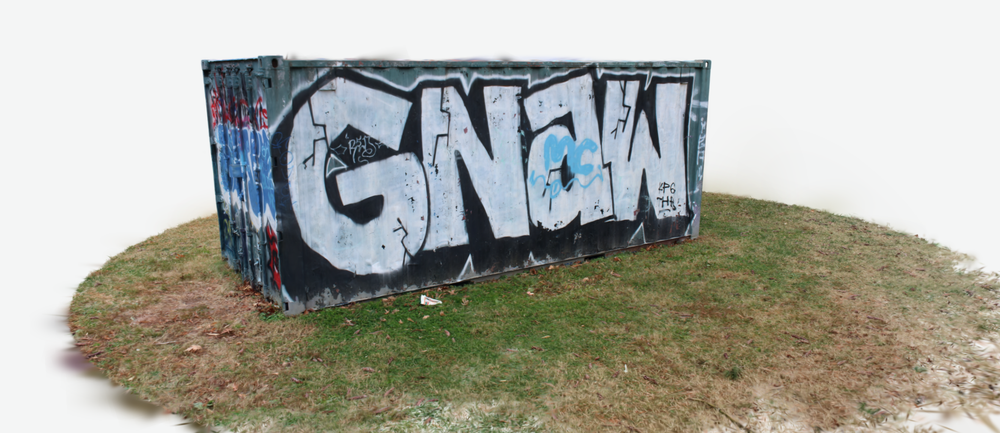
I've been messing with 3D scanning of real world objects via photography and creating Gaussian splats specifically, which are point cloud scenes created from the 3D data present in 2D photo and video with multiple perspective sources. Basically utilizing computerized depth perception to create a huge number of fuzzy points in space that correspond with surfaces and colors. This is my journey so far, it took a week or two but I'm starting to get results that I'm actually pretty proud of.
As a bit of a disclaimer my knowledge on all this is exclusively gained from a manic compulsion to read about things I am interested in, and is sourced from hundreds of half-remembered reddit comment threads and a bunch of videos on YouTube from creators that undoubtedly work their asses off but probably don't see more than $10 in ad revenue a month. I did not figure any of this out on my own and am merely cobbling together knowledge without a full understanding of the underlying technology, though I hope to get there eventually.
I started with phone based apps and cloud services that take photo/video and output a scene, one and done and super easy to use. Out of the services that I tried I felt that Kiri Engine gave the best results, though it was still lacking in detail to some of the "splats" that I was coming across online. Kiri also showed its limitations when trying to capture anything more than a single object or small scene, due to it's 300 photo/3 minute video upload limitation. You can get pretty impressive detail from a small object to a single room in your house, but anything larger than that has visible breaks or is generally fuzzy and incomplete looking outside the area of focus. If you're viewing the scene on a phone or PC monitor it's perfectly serviceable to convey an approximation of the subject, but I'm a sucker for fine detail and approximations simply will not do. Eventually I want to create scenes for use in VR and if I can't read the profane graffiti on the bar bathroom wall then is it even worth it?
Where Kiri was awesome though was it's speed. It was quick enough to provide results (10-20 minutes) that I could iterate on the capture process and experiment to see what kind of camera settings, movements and distances gave me the best final output. Starting with my Pixel 6a phone camera initially and then moving on to a borrowed Canon DSLR, the jump in quality was noticeable but I think that whatever number of iterations that Kiri trains their reconstruction model to limits the quality of the output that you can get (more on this later). I quickly learned that you can't really work around bad lighting, which resulted in a total reorganization of my basement and the first item to be added to a "for later" list on Amazon.
The technique for capture requires a continuity between photos due to the way that "source from motion" is calculated, so frames extracted from video work particularly well but lack detail compared to still shots. Like I said, I'm a sucker for detail so I knew deep down that I was going to eventually have to do things in the way that was objectively more of a pain in the ass. When taking still photos each consecutive image taken should ideally have 80%-90% of a visual overlap with the proceeding and following image, since more overlap gives the reconstruction algorithm more data to work with. Dynamic range should be maximized, depth of field should be such that the whole image is in focus, and shutter speed should be fast to avoid motion blur. The more angles, the better. I made a habit of capturing photos at a minimum of three different heights and orbiting the subject several times with the camera pointed at a slightly different angle each time. It took a bit of fiddling, but I got fairly comfortable with the Canon within a day or so and was able to get enough good shots consistently whenever I attempted to capture something.
Once I got the capture technique down, I dialed in to try to get as much detail as possible from singular objects and started to hit a wall with Kiri. The fully captured and refined stone head below was my main source for practice, primarily due to it's easy to capture texture as well as the geometric complexity on the back of the head I used as a kind of benchmark for different software settings. I had initially began practicing on an arcade machine I have in my basement, but the white reflective paint that it was coated with was an issue as it confused the algorithm and made the output model look not solid and kind of gaseously ethereal. It was a cool effect, making it look like the digital representation of a fractured memory that you'd see in an episode of Black Mirror or something. I'll come back to it once I'm better at this, it's good to have a white whale for motivation.
Kiri could not capture the geometry of the back of the head nor the texture detail at the level that I wanted (even when feeding it RAW 24MP images), so I began to experiment with running the process of creating the "splat" locally. I have a pretty beefy server at my disposal with a high end AMD graphics card (this is important), and a history of self-hosting and messing with software that honestly I have no right to be messing with, so I thought it would be a fun and interesting road to go down. I tend to dive head first into complex things that are way over my head, and figure out exactly what I need to figure out in order to do the thing I want to do and get the result I want, prior understanding or context be damned. It's worked out okay enough for me so far.
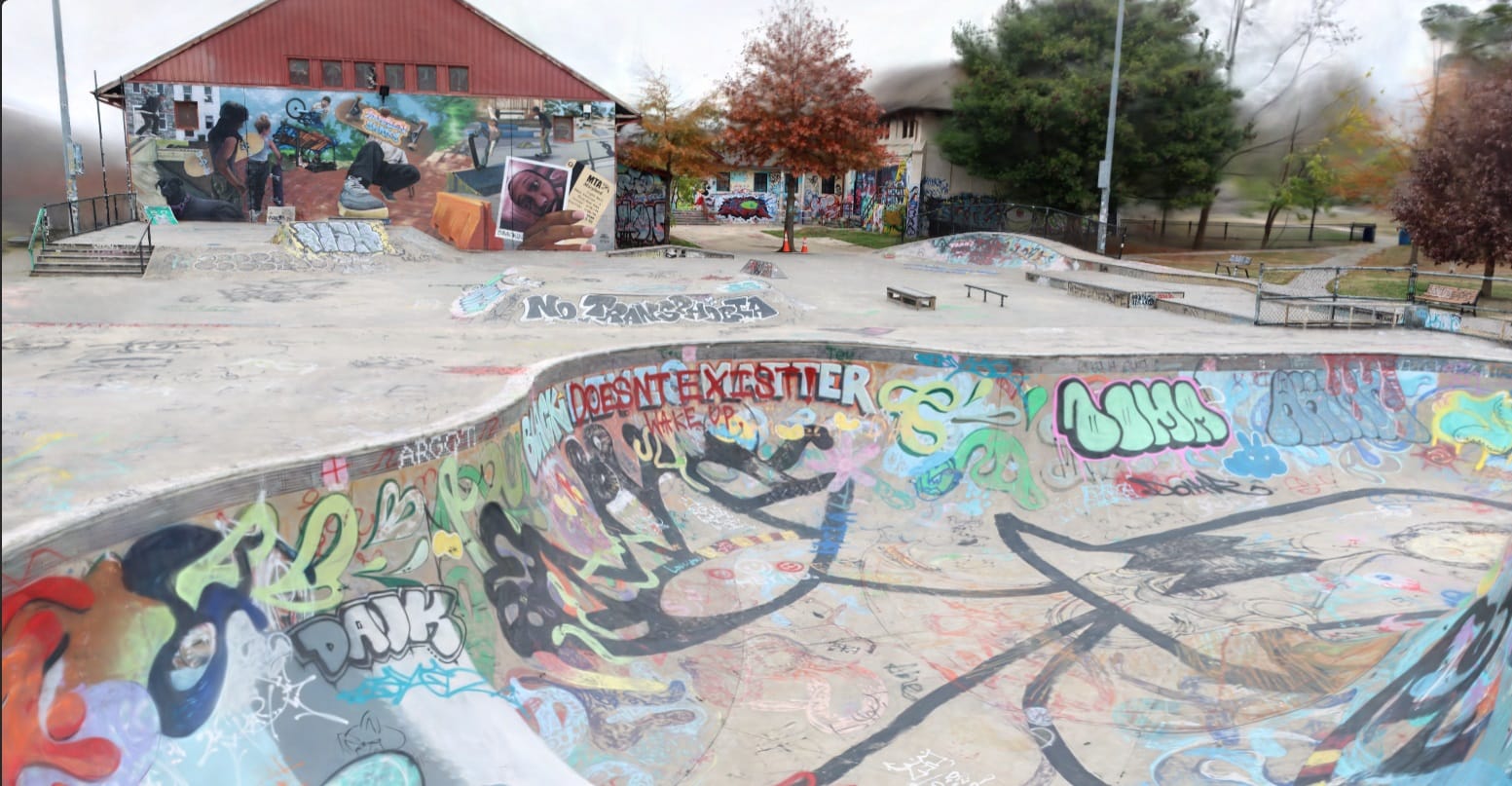
I'll continue my log in a post about the software workflow specifically. All renders on this page are a result of my final (as of now) local render process.
 Jake Marino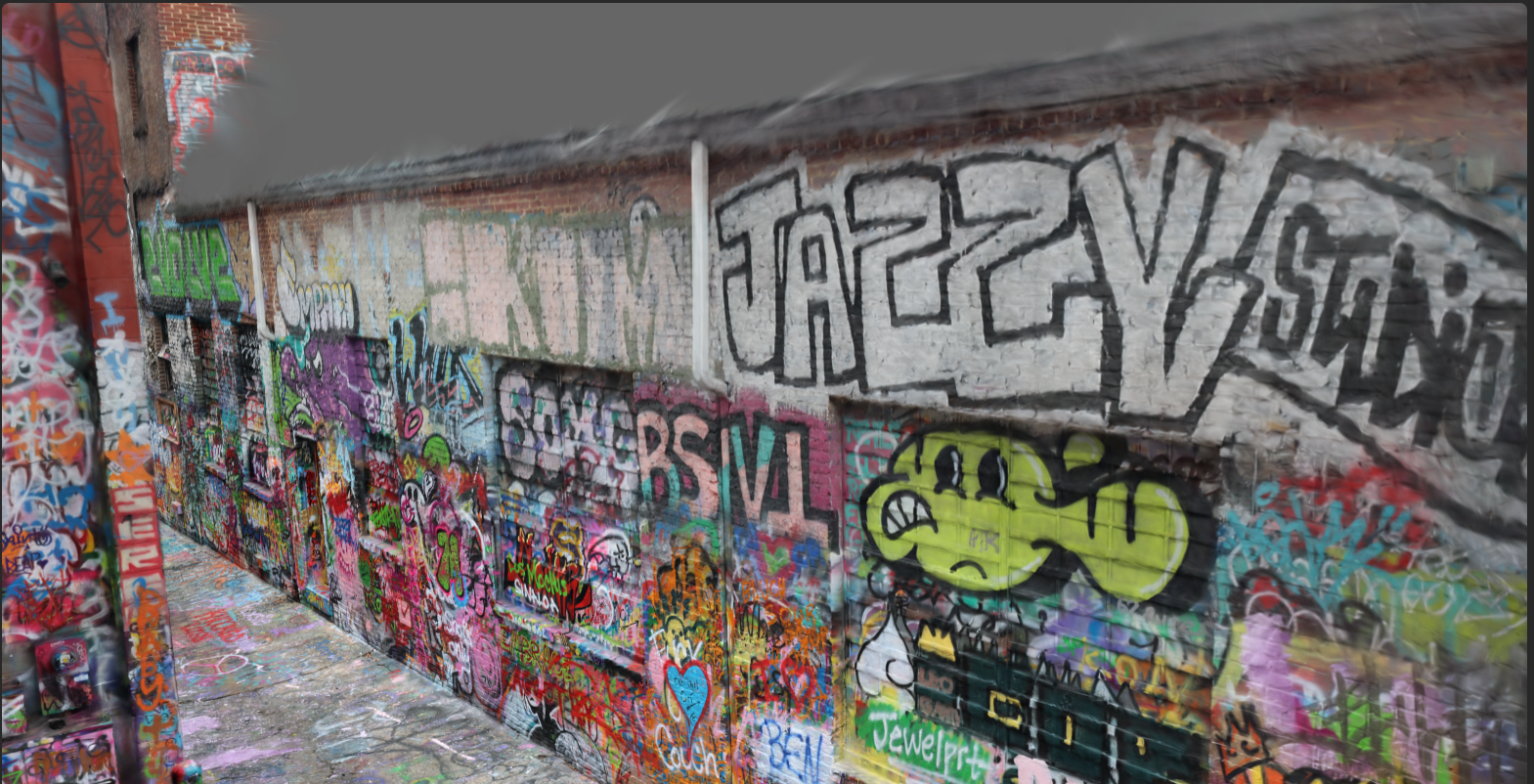
 Jake Marino