Gaussian Splats Pt. 5 - The Macro
The days have been short and cold, so outside of a few opportunities I have had between other things I have not really had much of a chance to fly the drone and work on any large scale scenes. The past few weeks I've only been able to do another few full captures of the shipping container with both photo and video at different settings in order to see what gives me the best render results, as well as a new drone capture of the bridge I previously captured with the DSLR and a few test captures of the skate park. Only having one battery has limited my capture ability on these scenes due to the 20-ish minute flight time I currently have, and the skate park has been particularly difficult to capture because I need to be there at a time where it's empty. I really don't want to be annoying with this thing, so I'm trying my best to be unobtrusive as possible.
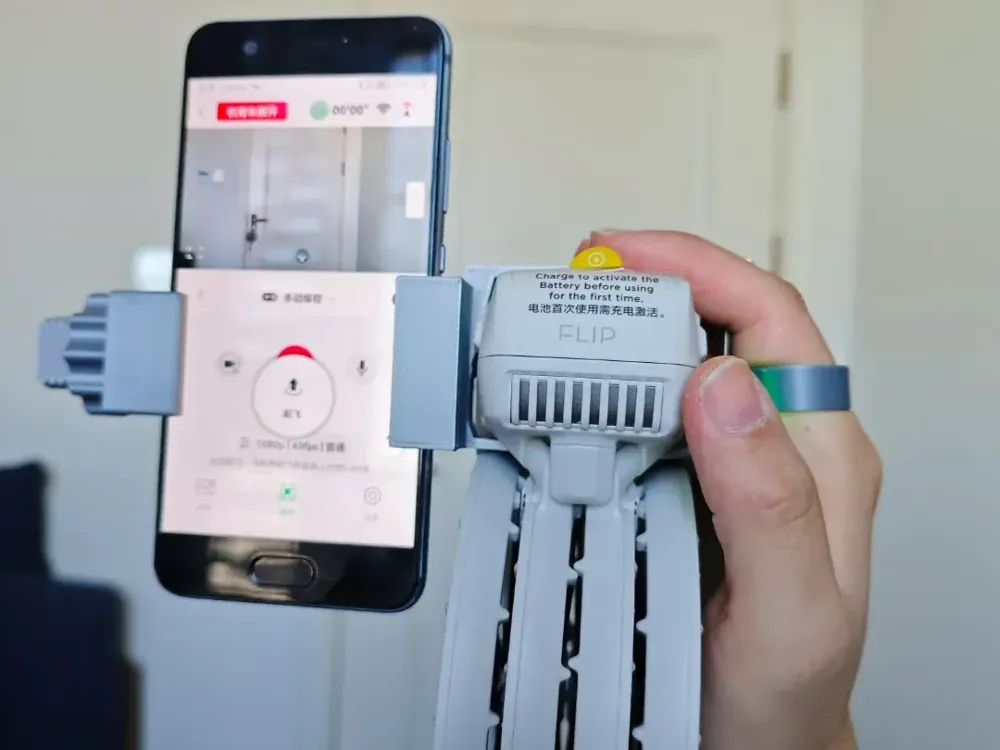
I bought two more batteries and will have more time coming up since finals are over, so hopefully I can get back in the air regularly and pin down a capture workflow. I was looking into automation and assistance with mapping to make sure I have full coverage of areas, but since the Flip does not have access to the DJI SDK due to being a cheaper drone I am out of luck in this regard currently. I looked into workarounds but my only chance is if DJI decides to enable the SDK on this model at a later date, which they have done for some cheaper models in the past.
In the meantime, I reverted back to indoor captures. My long view goal for the beginning stages of doing this as a hobby was to do a series of captures at different scene sizes and detail levels in order to get a good feel for what each size would need in terms of photo count, photo angles, lighting conditions, and render settings. I have a pretty good feel for small objects going up to the size of that shipping container, and since I can not really work on anything bigger at the moment that means that I have to go smaller.
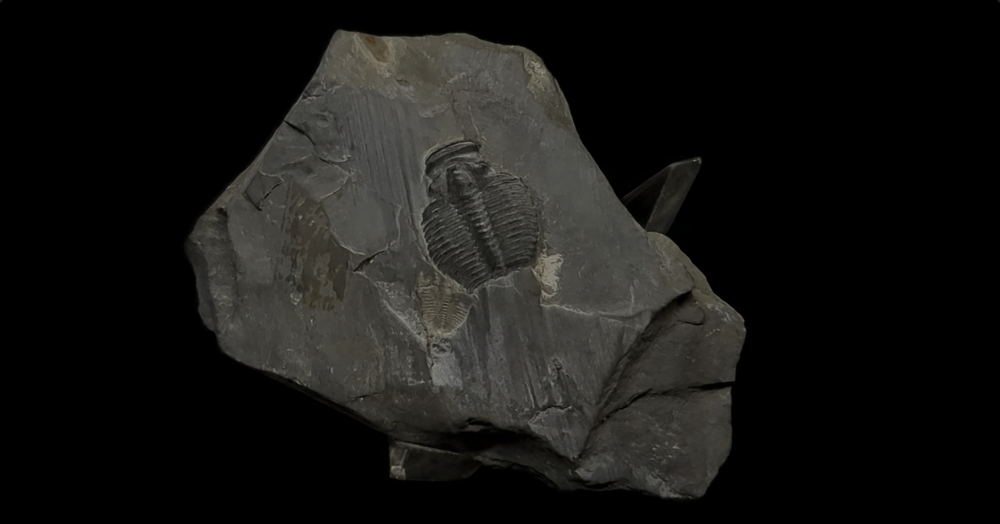
I bought the above trilobite fossil for my brother when I went to Arches National Park and hit up a shop on Main Street in Moab, Utah. The actual fossil part is about as big as my thumb nail, so while not super tiny it is smaller than an of the other subjects I have captured so far. I was at his house, so I only had my phone to capture and used an app called Open Camera to avoid the built in Google camera app that applies a lot of software filtering and smoothing for images. It turned out okay after locking down the render settings needed, but eventually I want to recapture it under better conditions.
My brother is a Coin Guy and has a ton of little artifacts that would make great subjects. We were talking about this while I was taking pictures of that fossil, and unbeknownst to me he actually bought a macro lens for his Nikon D3300 camera specifically to take super detailed pictures of rare coins in his collection. We messed around with it a bit, and he ended up letting me borrow the camera, lens and some lighting as well as a Japanese coin from around 1860. I took it home and began to experiment.
I need shots from many angles to create the 3D information needed for the final render, and macro lenses have a very small adjustable area that is in focus. This means that if I am at even a slight angle, not all of the subject will be in focus at once. This would normally create unusable capture data, but I had read previously about focus stacking which is a process that combines multiple photos taken at different focal lengths to create one photo where the entire object is in focus. Photoshop can do this, but I decided to experiment with a program called Helicon Focus that someone on reddit recommended in a recent thread on the subject in r/photography as they said that it was easier to use in order to get decent results. I obtained a copy and went to work.
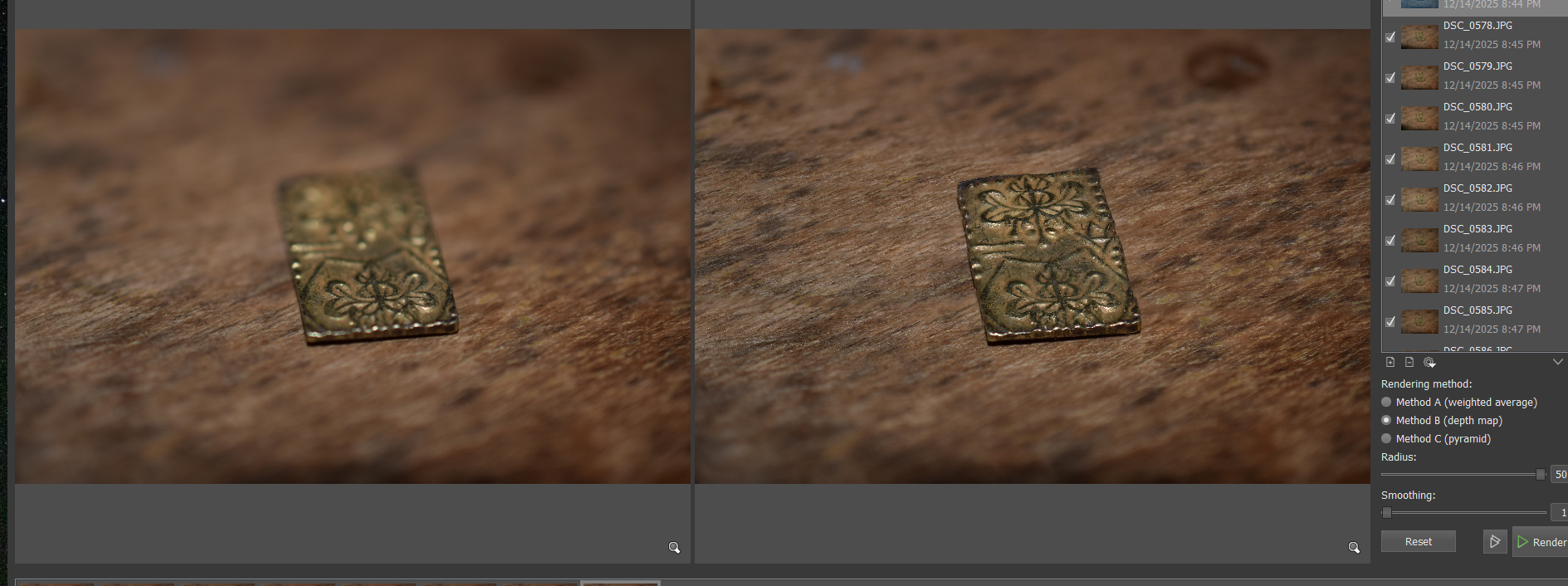
The left image is one photo of about 20 that I took of the coin with the macro lens, and the right is the combined output of those 20 photos stacked together. For a first try, the results were pretty good! If you zoom in on the combined version, you can see some areas that I did not totally capture in focus, as well as some weirdness on the left and right edges likely due to this. I redid the capture form this single angle, taking 10 more shots for a total of 30 photos in order to create the result below. If the angle wasn't as sharp I would have needed less, but I am trying to get a baseline feel for the process and figure out how many photos I'd need in all. Based on this, I'm expecting 30 photos per angle (max, shallower angles would be less) for the macro shots, with about 30 angles orbiting the object with 12 degrees between them at each height, with at least three different heights for a total of 2,700 photos max per object. This is kind of a crazy number but in practice it will likely be much smaller. I have been able to get good results with 70-80 photos total for medium objects that have a photo friendly material that I was able to light easily, and once I focus stack the needed photos the total that I give to Metashape will be around 90 which isn't far off.
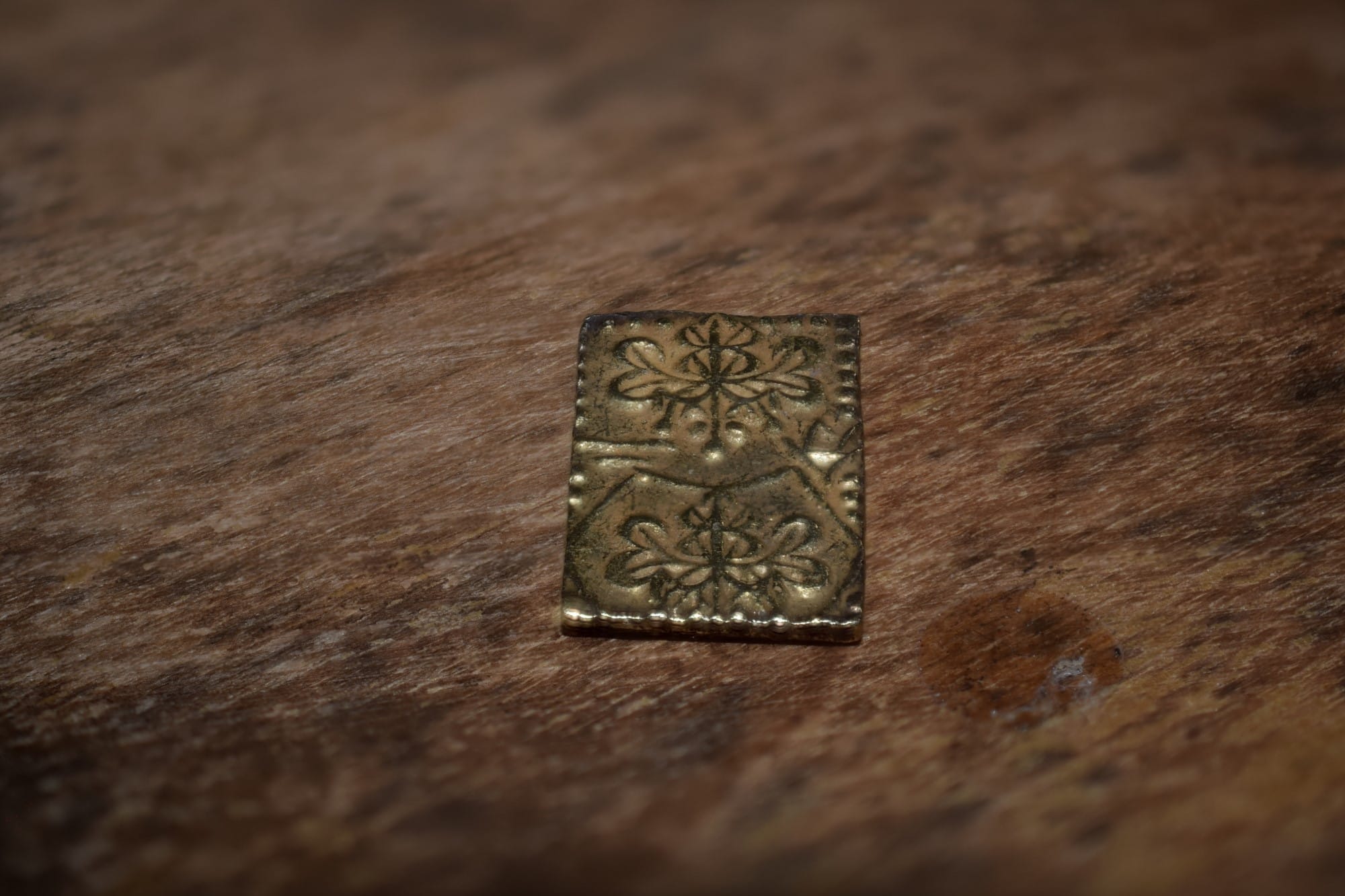
The macro process does increase the workload exponentially though, and I began to look into solutions to automate the adjustment of the focus. I had to adjust the lens manually before each photo, which meant I had to eyeball the viewfinder in order to make sure I was getting full in-focus coverage. This wasn't ideal, and while the camera was on a tripod I still wasn't totally sure that it was in the exact same position each photo due to me having to make that manual adjustment and touch the capture button, slightly moving the camera each time.
I did some research, and found a bunch of software that is used exactly for that purpose that interfaces with my brother's D3300 so it can be controlled via a PC. I am going to load it up and experiment sometime this week and write a new post outlining that process.
 Jake Marino
 Jake Marino
 Jake Marino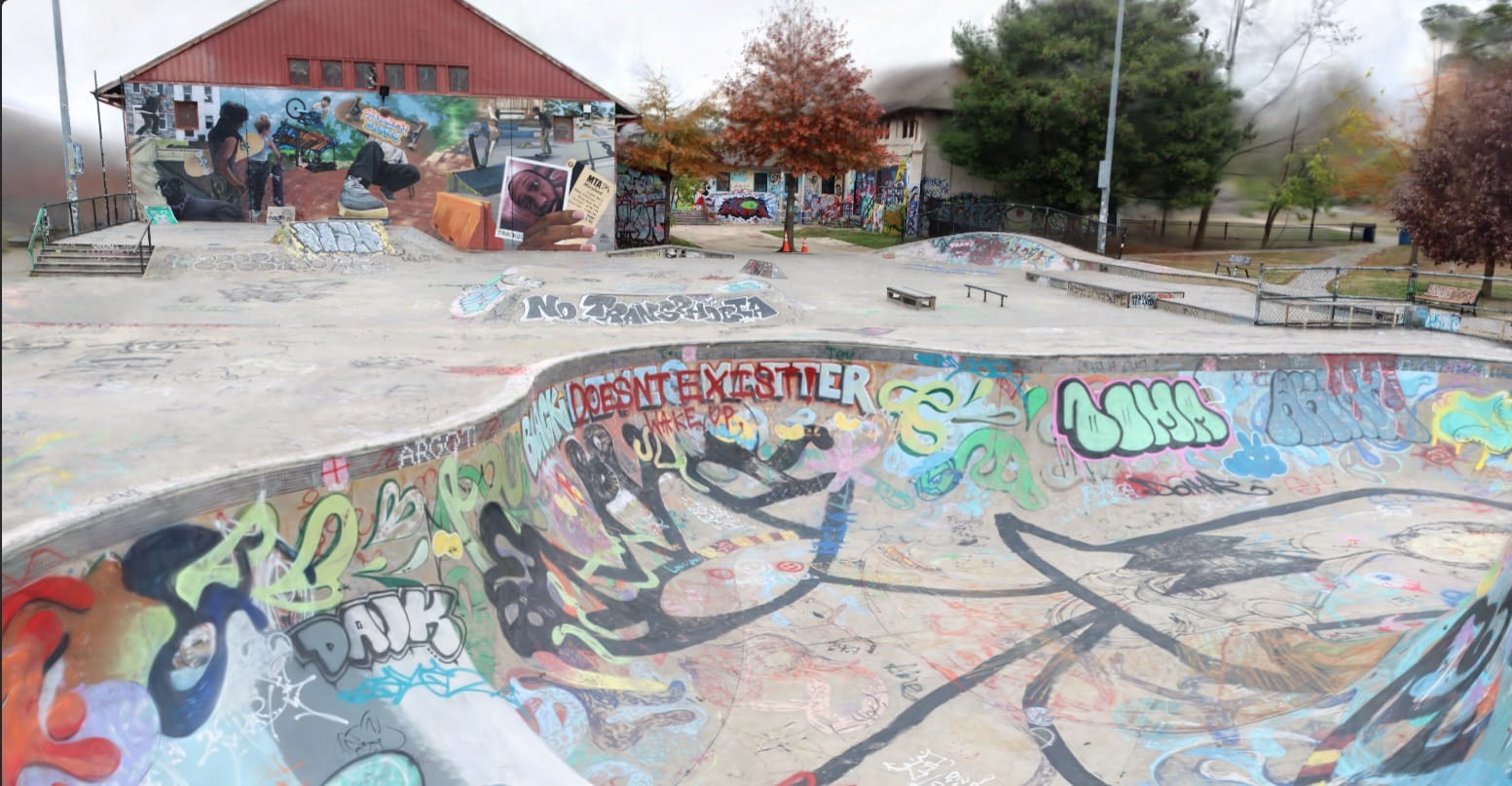
 Jake Marino